#desktop

59 posts · Last used 2d

@freeopensource @howto @tutorial #ADBtutorial #scrcpyTutorial .. or #howTo get your cellphone onto your computer. A thread about the tool adb to access your android cellphone and become able to do all the stuff of your hand held computer from your desktop. You don't have to root your phone to be able to use #ADB, but you do have to switch developers mode on. You can do that in settings, depending on your android version, somewhere in a settings subfolder by tapping like ten times on the serial number (or something like that) of your phone. Next you have to open the "developer options" section that has appeared at the bottom of the settings section and enable "debugging with USB". ADB is also available on windows, perhaps MacOS, yet the info here is from the view point of a #linux #debian #desktop. Except a few details, things shouldn't be different for users of proprietary operating systems. How to install ADB and connect your phone to your computer | click to open/close To install ADB: apt get install adb Connect your phone with a USB cable to your desktop computer. Open the console of your computer and type or copy/paste: adb devices ADB will list you the TCP port it opens for the USB connection and the device (or devices) connected that it recognizes. The output will be something like this: :~$ adb devices List of devices attached 4xxxxxxxxxxxxd device Another necessary program for your desktop computer is scrcpy. This program allows you to project the screen of your cell phone onto your desktop screen if you have ADB installed. To install #scrcpy: apt get install scrcpy Important note about the scrcpy versions and compatibilityThis program is, from the coding point of view, in full development mode. To prevent to run into compatibility trouble with your installed ADB version, in particular when using ADB over WIFI, you should pull the scrcpy installation from the github page instead of installing the package of the debian package manager. The github page has links to SNAP versions as well as pull instructions. A recent intent of using a SNAP version here on KubuntuStudio created an incompatibility of versions too, so the best you can do is run the github instructions to pull the latest code from github. Here a copy of the actual (19-06-2024) instruction. github code to pull latest scrcpy from githubgithub.com/Genymobile/scrcpy/b… for Debian/Ubuntu First, you need to install the required packages: sudo apt install ffmpeg libsdl2-2.0-0 adb wget gcc git pkg-config meson ninja-build libsdl2-dev libavcodec-dev libavdevice-dev libavformat-dev libavutil-dev libswresample-dev libusb-1.0-0 libusb-1.0-0-dev Than clone the repo and execute the installation script: git clone https://github.com/Genymobile/scrcpy cd scrcpy ./install_release.sh When a new release is out, update the repo and reinstall: git pull ./install_release.sh To uninstall: sudo ninja -Cbuild-auto uninstall Detailed Information about scrcpy commands: github.com/Genymobile/scrcpy/t… To see and have access to your cell phone from your computer you have to first start adb and connect the cellphone and than type in the console: scrcpy .. voila ..
0
1
0
0
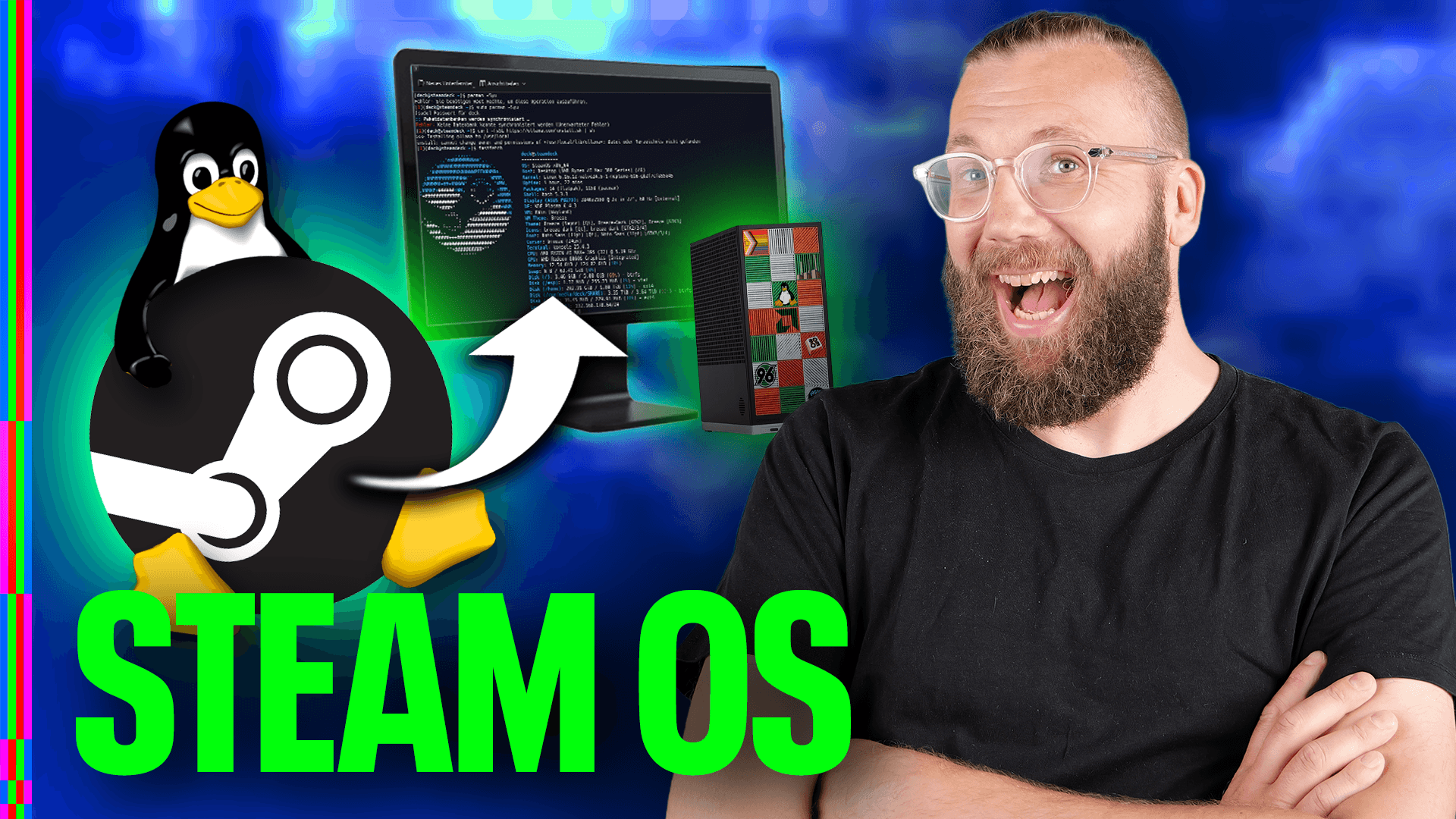
Warum ist #Linux aktuell so erfolgreich? - 35 Jahre Linux - Und wie hat es angefangen? Zum 35-jährigen Jubiläum bricht #Linux endgültig die Vorherrschaft von Windows auf dem #Desktop und entwickelt sich vom einstigen Nischensystem zum technologischen Vorreiter. Erfahre, warum das Support-Ende von Windows 10, die #Gaming-Revolution durch #Valve und der Vorstoß europäischer Behörden für einen historischen Wendepunkt sorgen. #LinuxGuides https://youtube.com/watch?v=qh7kFM-GV0c

Warum ist Linux aktuell so erfolgreich? - 35 Jahre Linux - Und wie hat es angefangen?

4
0
5
0
2026/2027 is going to be the year of the GNU / #Linux #desktop! How far are you in your Linux journey? What's your daily OS of choice? (If you're forced to use Windows at work, I don't consider that a daily driver of choice)

2026/2027 is going to be the year of the GNU / #Linux #desktop! How far are you in your Linux journey? What's your daily OS of choice? (If you're forced to use Windows at work, I don't consider that a daily driver of choice)

4
1
12
0
Replying to
@nixCraft@mastodon.social all I do is use a #minimalist #Desktop #Linux on a VAIO #P11Z & #EeePC701 because there's yet to be any decent device in that size category… And if it comes down to it I'd rather #DIY @OS1337@infosec.space instead…
0
0
0
0
Hrm ..... Ob 2026 wohl endlich das jahr des linux desktops werden könnte? Nachdem so viele broadcasting leute broadcasten das sie auf linux umsteigen bzw umgestiegen sind? Who knows..... ;) youtu.be/GHi0jYZPiyM redirect.invidious.io/watch?v=… Hardware Heaven - I FULLY Switched to Linux... but will I stay? #2026 #linux #desktop #HardwareHeaven #Youtube #RandomShit ;)

I FULLY Switched to Linux... but will I stay?

0
0
0
0
To all GNU/Linux users: Are you still using #X11, or have you or your desktop environment already switched to #Wayland ? Please boost 🥺🙏 #linux #gnu #freesoftware #desktop #desktopenvironment #windowmanager #floss #libresoftware #gnome #kde #xfce #cinnamon

To all GNU/Linux users: Are you still using #X11, or have you or your desktop environment already switched to #Wayland ? Please boost 🥺🙏 #linux #gnu #freesoftware #desktop #desktopenvironment #windowmanager #floss #libresoftware #gnome #kde #xfce #cinnamon

1
4
12
0
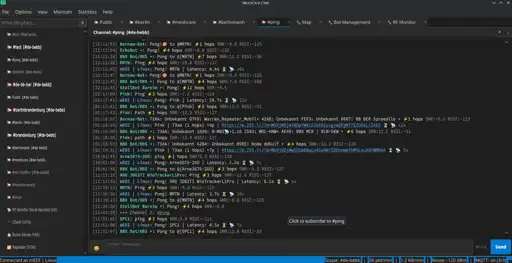
Neu im Blog: Seit einigen Monaten schreibe ich an MeshCore Chat, einem Desktop-Client für MeshCore-Mesh-Funknetze. MeshCore ist eine Firmware für LoRa-Geräte, die Nachrichten über mehrere Hops durch ein selbstorganisierendes Funknetz weiterleitet – ohne Internet, ohne Provider, nur Funk. https://blog.medi.li/articel/2026/2026-07-26_MeshCore_Chat__ein_Desktop-Client_f%C3%BCr_LoRa-Mesh-Netzwerke.htm #meshcore #mesh #lora #linux #desktop
9
4
6
0
Wir erinnern uns an meinen gestrigen Tröt zwecks zweiter Festplatte mittels Wechselrahmen in meinem SFF Desktop? Schön schön, der 3,5" Einbauschacht ist gar kein realer 3,5" Schacht. Da gehen nur spezielle Bauformen rein die hinten unten verschlankt sind 🙈, somit passt der Wechselrahmen nicht und auch dessen 2,5" Festplatte. Werde ich dann bei Zeiten die interne Festplatte gegen eine größere ersetzten wenn man sich die noch leisten kann 🤷🏻‍♂️. #sff #computer #ssd #festplatte #linux #desktop
2
0
2
0